
ModelSwap
Convert BIM models to native and structured models
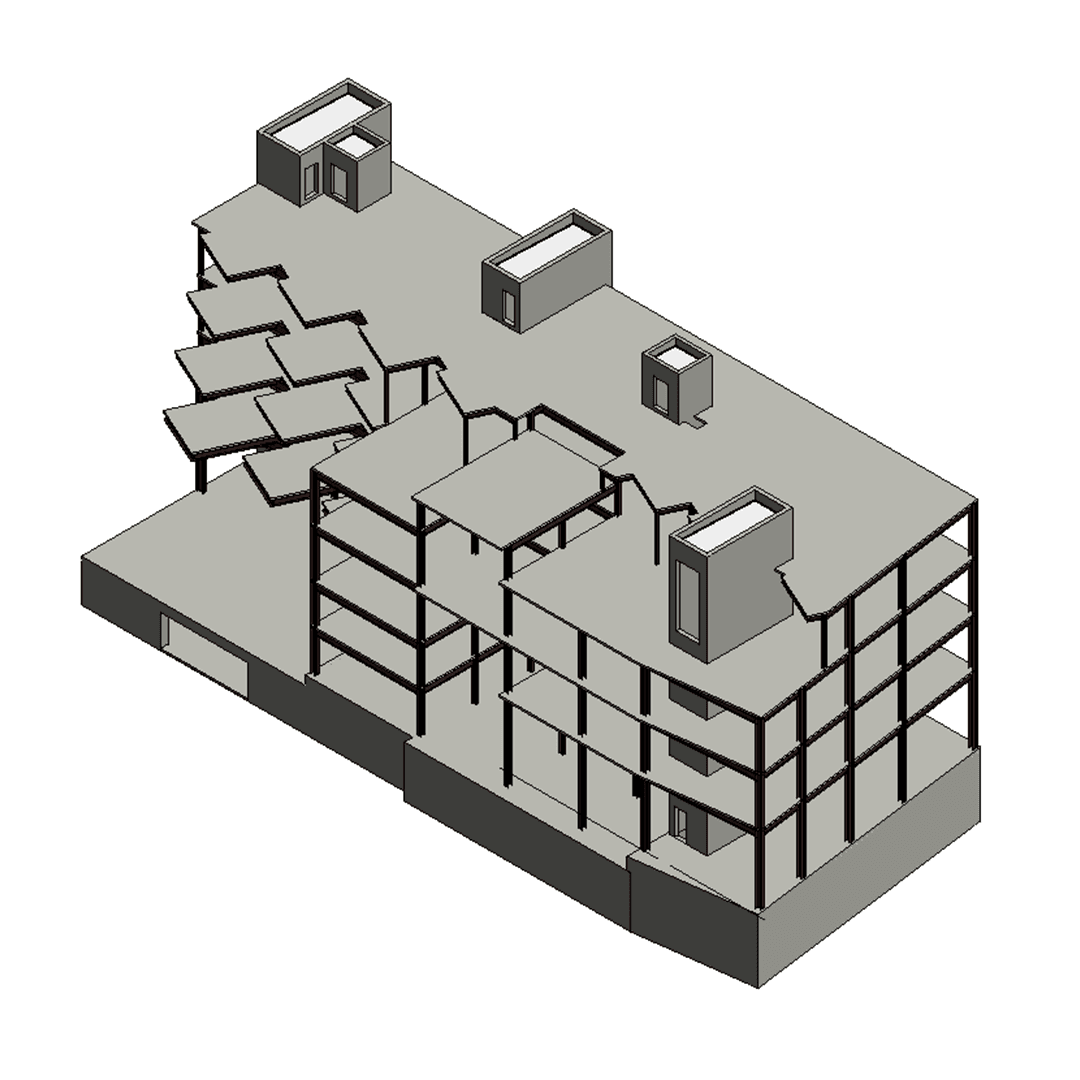
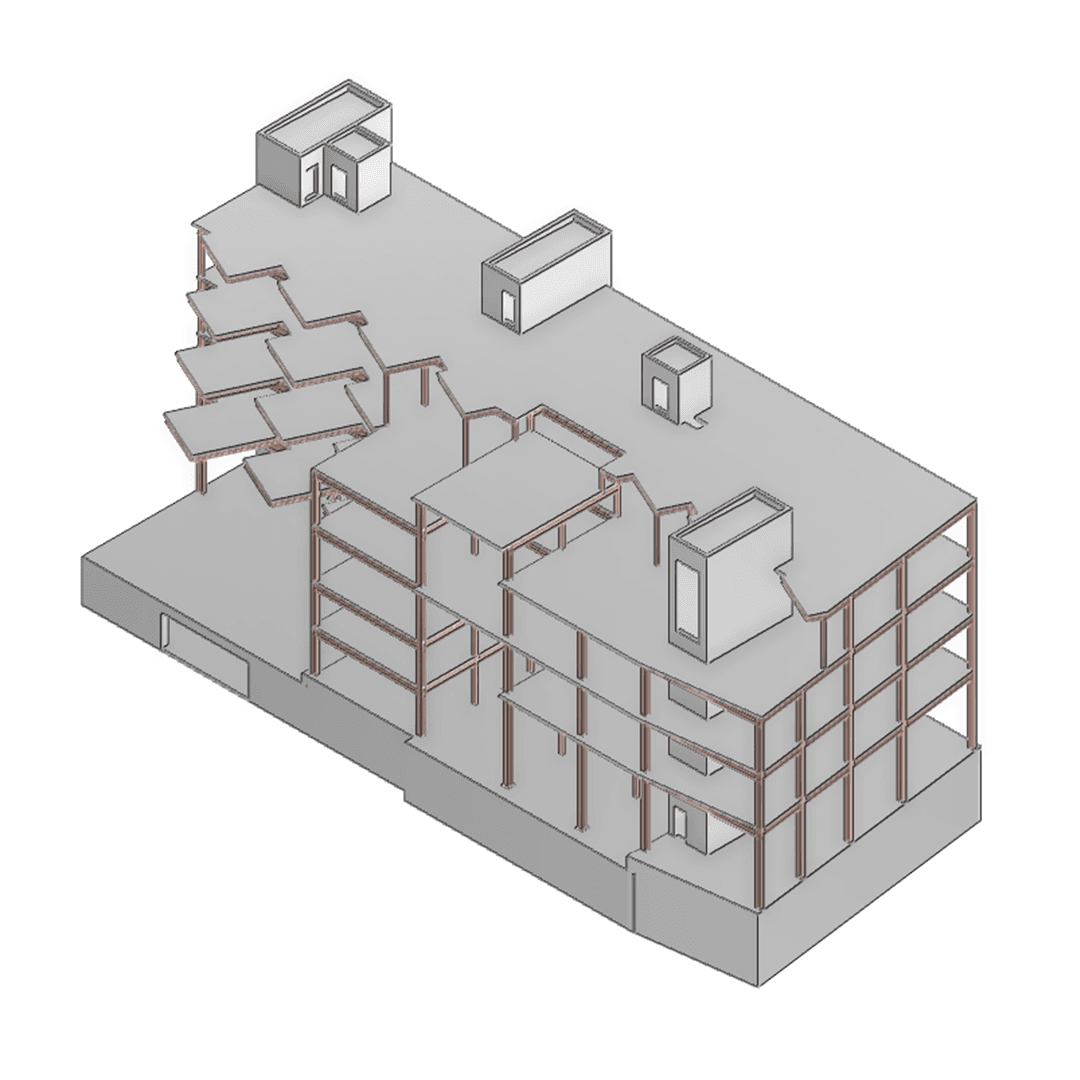
Bridge the gap between your 3D models
You have structured and intelligent data in one software, why start from scratch in another? ModelSwap leverages the internal data of your software or input format to convert this data into the native format of your target software. The benefits of a native and/or structured model are numerous: • Utilize all the features of your software with native elements • Easily access your model data in lighter models • Continue to evolve your model once imported In summary, automatically obtain a native model similar to one you would have modeled manually, saving weeks or even months of tedious work.
An infinity of possibilities
Many formats can be taken into account during exchange. It is even possible to convert an Autodesk Navisworks model into an intelligent model, fully usable in your target software. Starting from a generic model, and thanks to its advanced algorithms, ModelSwap categorizes the elements and transforms them into intelligent objects (structural steel, equipment, piping, civil works…). Since Navisworks can open most standard formats (IFC, STEP…) as well as the main CAD/BIM formats (Revit, SmartPlant3D, Catia, SolidWorks…), all of this data becomes usable by ModelSwap, and therefore usable in your target software.
Catalog management
An intelligent model generally has an associated catalog: profile sections, piping specifications, civil works elements, and more. These catalogs ensure object consistency, compliance with your standards, and the production of reliable deliverables. ModelSwap lets you map to existing catalogs or generate catalogs automatically from the source model. This creates complete digital continuity: converted objects are not only geometrically correct, but also aligned with your standards and design rules.
Methodology
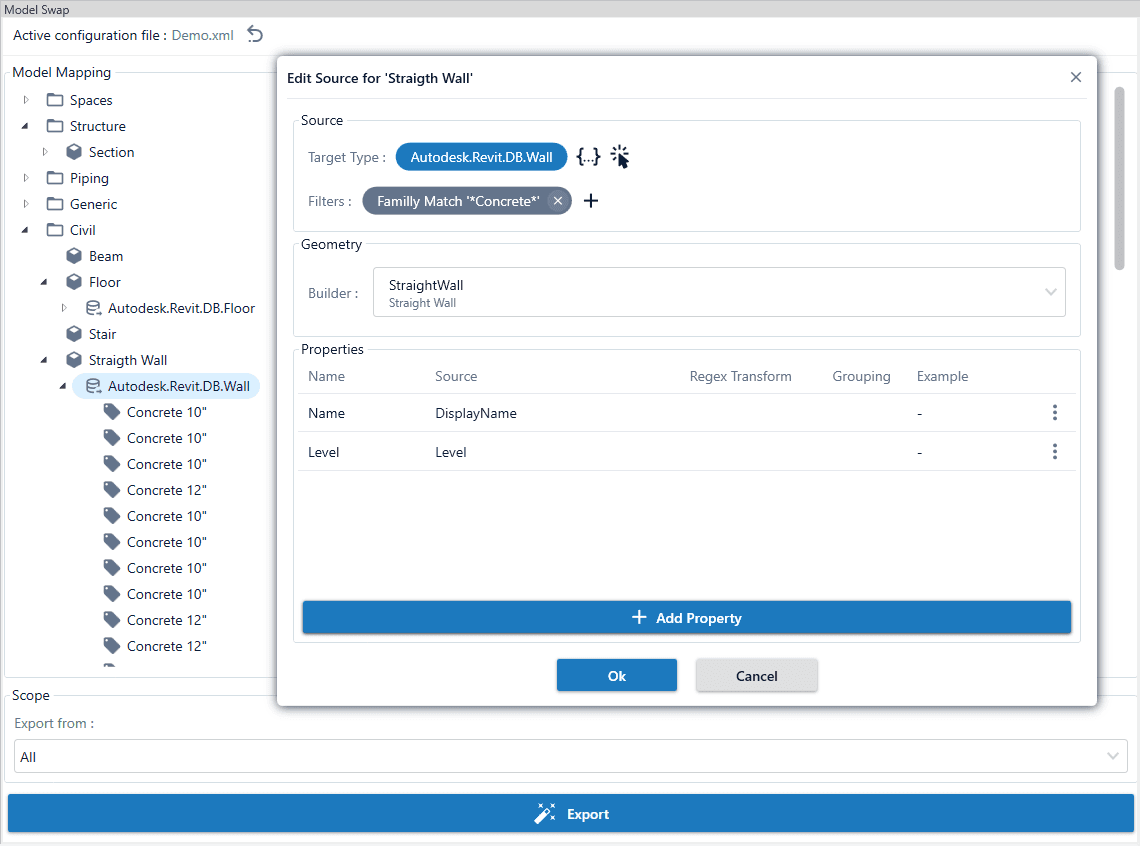
Model transformation is driven by an editable configuration with the following steps: 1. Define your source: which elements should be converted, and which filters identify them? 2. Choose your Builders: a Builder transforms an element's geometry from the construction logic of software A to that of software B. 3. Configure metadata flows: which metadata should be retrieved, and where should it be stored in the target software? 4. Add a final layer of customization by defining the import logic in the target software. Then let ModelSwap do the work.
ModelSwap integrations
Choose your source and target software.

Operating Models
Choose the model that best suits your needs
Conversion as a Service
Based on your source model and specifications, Ingeloop handles the conversion and delivers a production-ready native model in the form of databases or files for your target software.
Software Licensing
An initial Proof of Concept (POC) is conducted using a sample of the data to be processed. The software can then be deployed in your environment under a licensing model.
Ready to transform your models?
Discover which operating model aligns with your vision.
Start Your ProjectSome use cases
You only have a Navisworks model and want to convert it to a native E3D model
PlanE3D model with native elements (PIPE, GENSEC, STWALL, ROOM, CWAY...)
One of your departments uses Revit, and you want to regularly integrate their models into E3D
PlanE3D model with native elements, and change management between each import
You want to transfer an existing E3D model to a native Revit model.
PlanRevit model with native elements
Importing IFC/Navisworks files into E3D, with control over hierarchy and attributes, without necessarily requiring native elements
PlanE3D model with generic primitives, structured according to your modeling standards
| Use case | Plan | Result |
|---|---|---|
You only have a Navisworks model and want to convert it to a native E3D model | Conversion as a Service | E3D model with native elements (PIPE, GENSEC, STWALL, ROOM, CWAY...) |
One of your departments uses Revit, and you want to regularly integrate their models into E3D | Software Licensing | E3D model with native elements, and change management between each import |
You want to transfer an existing E3D model to a native Revit model. | Conversion as a Service | Revit model with native elements |
Importing IFC/Navisworks files into E3D, with control over hierarchy and attributes, without necessarily requiring native elements | Software Licensing | E3D model with generic primitives, structured according to your modeling standards |
Frequently Asked Questions
ModelSwap supports industry-standard formats (IFC, Step, Navisworks...) as well as data extraction from major solutions: AVEVA E3D, Autodesk Revit, Autodesk Plant 3D, Intergraph Smart 3D...
ModelSwap generates intelligent models for AVEVA E3D, Autodesk Revit, and Plant 3D. Imported models are not simple geometries but immediately usable business objects.
ModelSwap's architecture is designed to handle complete industrial models. Conversion can also be segmented to optimize machine resource usage.
Import is performed via configurable algorithms that allow control over all aspects of the imported model (structure, attributes, catalogs used, level of detail...).
No, the entire conversion process is performed locally, with no data leaving your projects.
The conversion engine can be configured to map source components to your own catalogs (Piping Specs) or generate parametric components based on target project standards.